 French
 German
 Italian
 Spanish
 Russian
 Turkish
 Portuguese
 Japanese
 Dutch
Dutch Polish
 Korean
 Chinese (Simplified)
 Chinese (Traditional)
Read about using YouTube Downloader
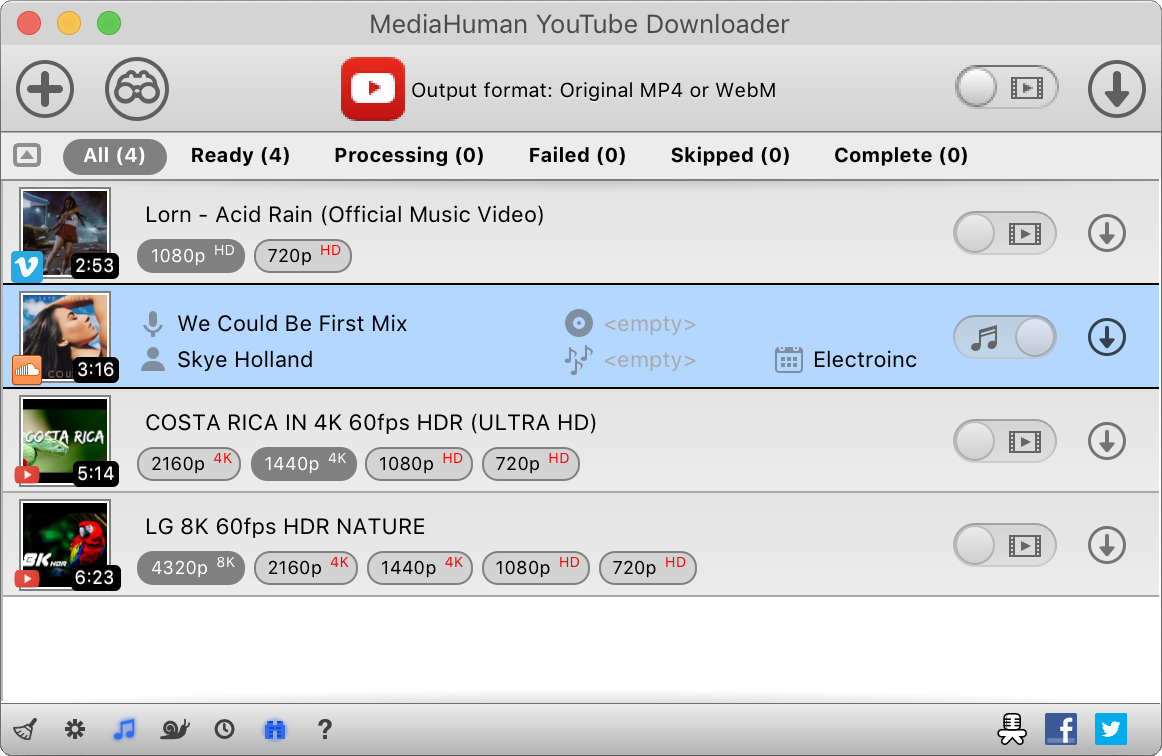
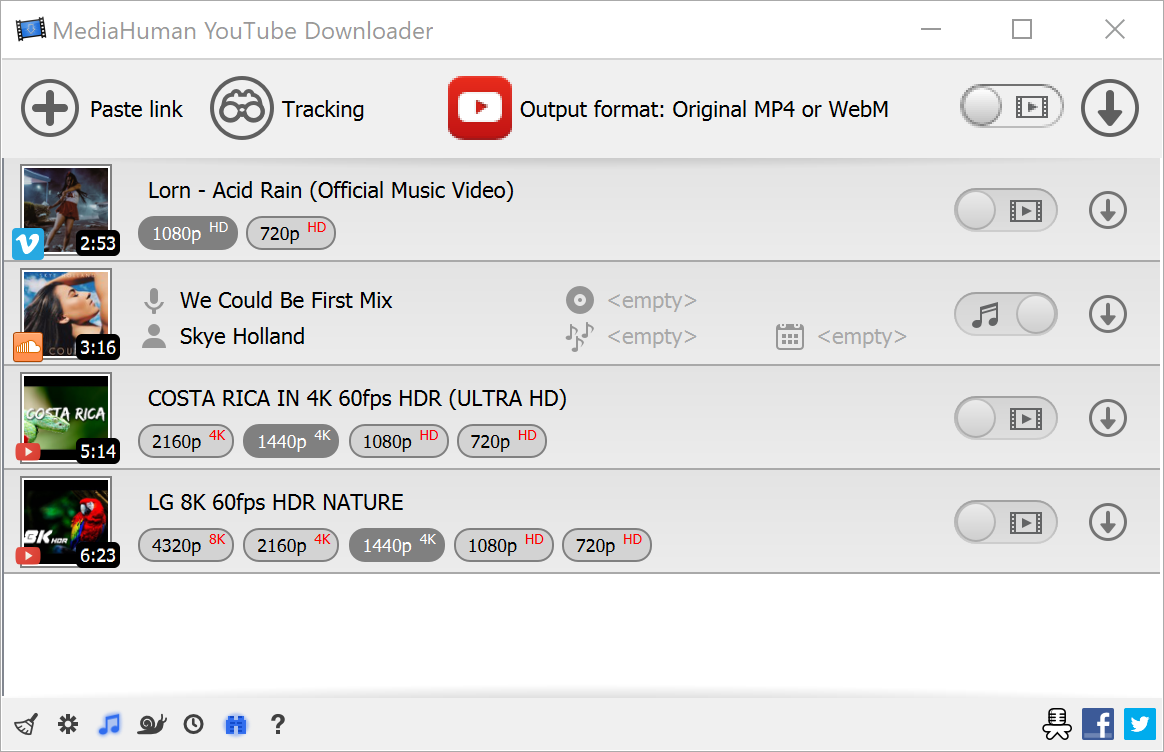
YouTube Downloader is a simple and fast application to download videos from YouTube and many other websites. With the help of it you can save video in original video quality or convert it to the format you need. It also saves audio tracks from YouTube or SoundCloud
Here you can find some guides that will help you to start downloading videos.

Step-by-step instructions
How to download a video from Rutube
Rutube is a Russian video-sharing platform similar to YouTube, hosting a wide variety of content including news broadcasts, TV shows, movies, sports highlights, documentaries, and independent creator videos. It serves as one of the primary video platforms in Russia and features content from major Russian media outlets, state broadcasters, and thousands of individual creators. If you've found a video on Rutube you'd like to save for offline viewing, our tool makes it easy to download individual videos, entire playlists, or whole channels in just a few steps. This guide was written using the Mac version. The steps are identical on Windows and Linux.
How to download a video from Bilibili
Bilibili is the go-to video site in China - huge for anime, gaming, and music content. Saving videos from it isn't as simple as right-clicking: the site uses DASH streaming with separate video and audio tracks, and the servers reject requests without the right headers. YouTube Downloader handles all of that. Just give it a Bilibili link and the program delivers a normal MP4 with the best quality available. The screenshots were taken using the Mac version of the program, but the application looks almost the same on Windows and Linux.
How to split YouTube video by chapters
Many YouTube videos are divided into chapters - named sections visible as segments on the progress bar. Instead of downloading the entire video and splitting it manually, you can use MediaHuman YouTube Downloader to automatically save each chapter as a separate file. This works great for music albums, podcasts, tutorials, conference talks, and any long video with timestamped sections. The screenshots were taken using the Mac version of the program, but the application looks almost the same on Windows and Linux.
How to download BitChute videos
BitChute is a video hosting platform that was founded in 2017 as an alternative to mainstream platforms like YouTube. Unlike YouTube, BitChute has a free speech policy and allows creators to upload content without fear of censorship. Bitchute has gained a following among those who value free speech and oppose censorship. Some users prefer to download videos from Bitchute so that they can access the content offline or share it on other platforms. Downloading videos from Bitchute can also be a way to preserve content that may be at risk of being removed for violating the terms of service of other platforms. This tutorial was created using the Mac version of the software, but the steps are the same for Windows and Linux.
How to download Rumble videos
Rumble was created back in 2013 and is still quite a popular resource. As the Wiki says, "Rumble promotes itself as being "immune to cancel culture." Because of the famous events of 2019 and widespread censorship, Rumble has become an even more popular video hosting site with more than 44 million monthly visitors. This guide has been written using the Mac version of the program, but the steps for Windows and Linux are the same.
User interface in details
Brief description of the main user interface controls, indicators and features. The screenshots were taken using the Mac version of the program, but on Windows and Linux the application looks almost the same.
How to download a YouTube video directly to iTunes/Music.app
This is easier than you think. Basically, you need to download a video from YouTube and then upload it to iTunes (Music.app on macOS Catalina). The problem is that YouTube and iTunes/Music.app are not exactly compatible with each other. And this is where you need our YouTube Downloader. With it, you can easily upload any given YouTube videos to iTunes/Music.app in just a few simple steps. Here they are: This guide has been written using the Mac version of the program, but the steps for Windows or Linux are the same
Automatically download new videos of a playlist/channel
If you have a favorite YouTube channel, then I bet you often wonder – it would be nice to automatically download all fresh videos from it. That's why we added a new function to our application – Tracking. It's something like RSS but for YouTube videos. You select a playlist or channel you want to track, set an update interval and that's it. All recently uploaded videos will be downloaded straight to your hard drive.
Downloading 4K Video from YouTube
Looking for the easiest way to download 4K videos from YouTube and other video hosting services? Look no further! This short tutorial shows how you can download high resolution Ultra HD 4K videos with just ONE click (and no more than 4 clicks in any case) using MediaHuman YouTube Downloader. Sounds good? Then read along! No website, let alone a browser extension, will let you download a video with a 720p or higher resolution with audio (just 360p for newly uploaded videos). The reason is that YouTube stores the audio track separately for videos with a large resolution, such as 720p, 1080p, 4K or 8K. No downloaders or browser extensions can merge them on the go. Therefore, desktop applications are the only option for now. This guide has been written using the Mac version of the program, but the steps for Windows or Linux are the same
How to download a Vimeo video
Vimeo is the second most popular video hosting right behind YouTube. And just like YouTube, it too suffers from the inability to easily download videos. Well, maybe the service itself does not suffer from that, but we, its humble users, do. So, what would you do if you desperately needed to download some videos from Vimeo? MediaHuman YouTube Downloader provides a simple and 100% efficient answer even though the name of this nifty app mentions another video hosting service. Here is a very simple step-by-step you can follow every time you face this problem. This guide has been written using the Mac version of the program, but the steps for Windows or Linux are the same
How to download VEVO video
Vevo is a global music portal of major record labels, so it contains a huge number of video clips of various styles and genres. At the time of writing this tutorial, there were more than 100 thousands, and most importantly they all are in excellent quality. Needless to say, all the hottest new releases appear there.
Download YouTube playlist or channel
YouTube playlists and channels are a great way to organize content - but YouTube has no built-in way to save them for offline viewing. Downloading videos one by one takes too long, especially when a playlist has dozens of entries. MediaHuman YouTube Downloader solves this in a few clicks: paste a playlist or channel link and the app automatically adds all the videos and downloads them in the highest available quality - 4K, HD, or whatever the source offers. Here is a quick step-by-step guide. This tutorial is written using the Mac version of the program, but the steps are the same for Windows and Linux.
YouTube Downloader integration in browser
Download any video from YouTube
In today's world, with Internet speeds increasing every day, video content is becoming more accessible to millions of users. YouTube, the largest online video sharing platform, offers a wide variety of content ranging from entertaining videos to educational tutorials. However, if you want to save and enjoy these engaging videos offline, knowing how to download them from YouTube is essential. This guide will show you simple and effective ways to quickly download your favorite YouTube videos so you can enjoy them anytime, anywhere, even without an Internet connection. This guide is written for the Mac, but all the steps are the same for Windows and Ubuntu/Linux.