 French
 German
 Italian
 Spanish
 Russian
 Turkish
 Portuguese
 Japanese
 Dutch
Dutch Polish
 Korean
 Chinese (Simplified)
 Chinese (Traditional)
Guides about using Audio Converter
If you need to convert audio files or extract audio track from video then our Audio Converter will help you.
These guides will describe conversion of common formats. Process is divided on easy steps. Thus you can repeat them without problems.
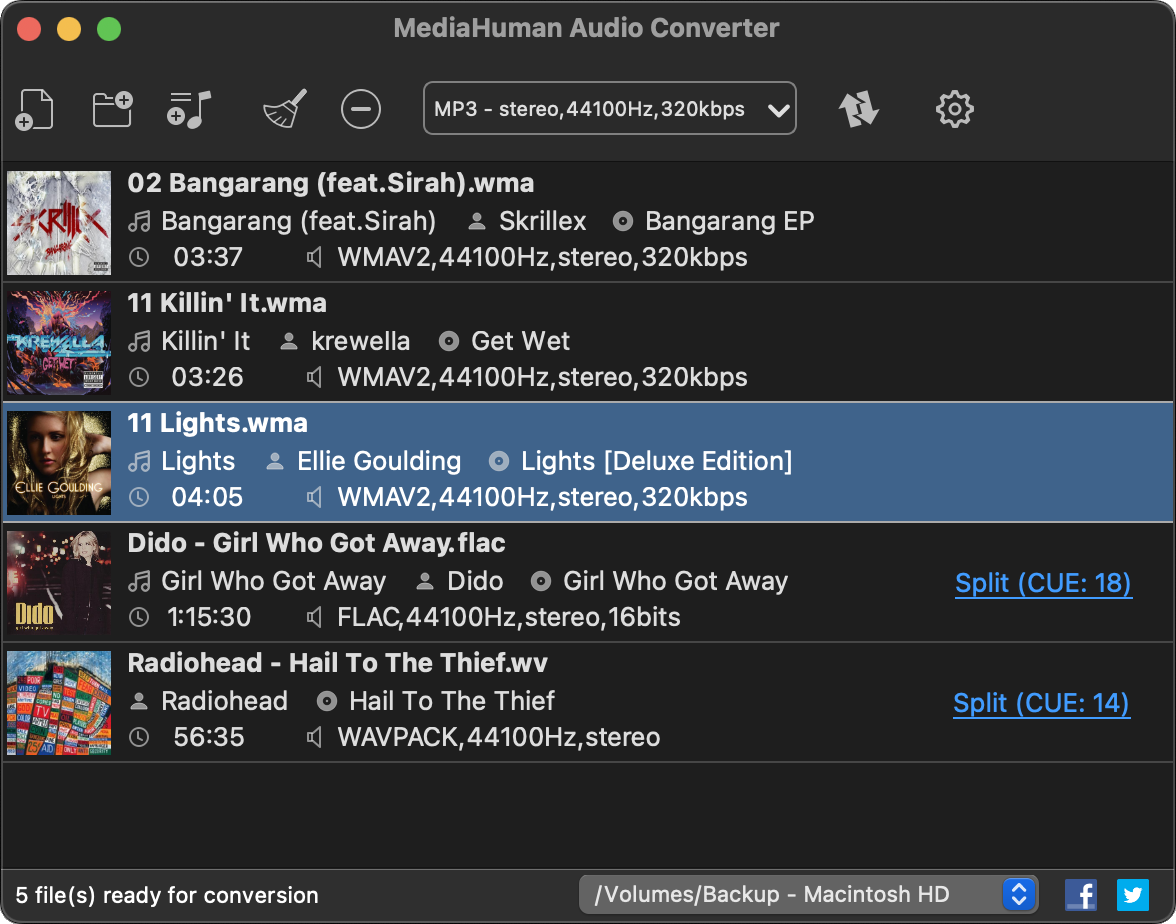
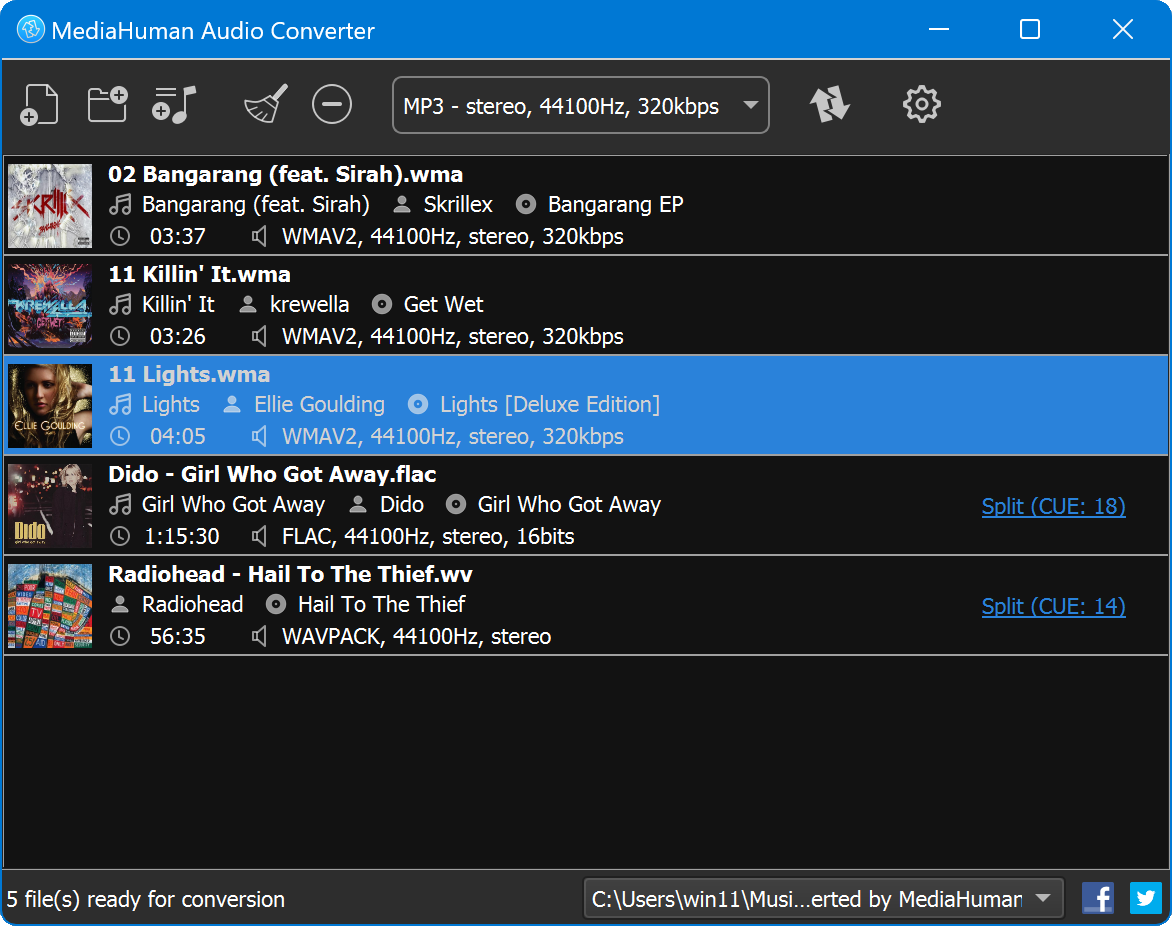

Step-by-step instructions
Transfer iTunes music to USB drive to listen in a car
So you have a rich music collection on iTunes and would like to listen to the same music in your car? With MediaHuman Audio Converter you can easily convert iTunes to USB to take this flash stick wherever you need. Follow the below steps and within merely a few minutes your iTunes albums end up recorded on USB flash drive. This guide has been written using the Mac version of the program, but the steps for Windows are the same
How to convert FLAC to ALAC with tags and cover art images
FLAC and ALAC are two lossless audio codecs widely used among thousands of music fans. Apple Lossless Audio Codec (ALAC) was developed in 2004 and became open-source in 2011. FLAC has some internal differences from the ALAC format, but from the perspective of an end-user the only real difference is that ALAC can be easily played on iOS devices, while FLAC – can not. So converting FLAC to ALAC is a common task for iPhone and iPad users. Here is how you can run this conversion with minimum efforts, maximum efficiency and without quality loss. This guide has been written using the Mac version of the program, but the steps for Windows are the same
How to convert FLAC+CUE to MP3
FLAC (Free Lossless Audio Codec) is a very popular open format for lossless compression of audio data. Along with APE, ALAC, WavPack and WMA Lossless, this format is praised among music fans. Despite all its advantages, the format has one significant drawback - its size. A copy of audio disk converted to FLAC takes about 400-500 Mb – not too much for a modern PC, but still a bit weighty for mobile devices. Here you can learn how to convert quickly files from FLAC to more lightweight MP3. This guide has been written using the Mac version of the program, but the steps for Windows are the same
How to convert WMA to iTunes
Windows Media Audio or shortly WMA is an old popular audio format developed and popularized by Microsoft. Started as an alternative to MP3, WMA quickly advanced to higher quality (WMA Pro) and even to lossless compression (WMA lossless). The only drawback the format has – it can’t be played on Mac and iOS devices. No way. But you can simply convert your WMA music collection to one of the native iTunes formats – AAC or ALAC using MediaHuman Audio Converter. The whole operation is just a few simple steps you can do in 3 minutes or less.
How to convert APE+CUE to MP3
Monkey's Audio, or APE is acclaimed open format for lossless compression of audio data. Compared to FLAC, Monkey’s Audio provides a bit higher compression for the cost of encoding/decoding symmetry. This means a typical APE file requires the same resources to decode and play it as resources needed to encode it. That is why many people ask how to convert APE to MP3 easily. Indeed, despite MP3 is lossy, it can be played on the majority of computers and handheld players. Here is a step by step guide to convert files from APE to the MP3 format. This guide has been written using the Mac version of the program, but the steps for Windows are the same
How to convert WavPack to MP3
The WavPack format was developed as an attempt to offer a compromise between lossy and lossless audio formats. The file WV/WVC format is actually a package of two files: a lossy playable compressed audio and a "correction" – the data required to turn lossy audio back to lossless. Unfortunately, not so many players can actually read WavPack, so their owners have to find a way to convert WavPack to MP3. And that is why we decided to prepare a quick tutorial showing how to convert files from WavPack to the MP3 format. This guide has been written using the Mac version of the program, but the steps for Windows are the same
Convert MP4 video to MP3
Sometimes there is need to extract an audio track from a MP4 video file and save it in MP3 format. For example, to get the song from a music video. Or extract speech from educational videos, interviews or lectures to listen to it later. Here is a short tutorial on how to do it with our app. This guide has been written using the Mac version of the program, but the steps for Windows are the same.
How to convert WMA to MP3
Sometimes you can find loads of WMA files on your computer, especially if you have migrated from PC to Mac. Windows Media Player was the default application for ripping CDs on Windows and, of course, default output format was WMA. It's impossible to deal with WMA music without using third party tools on Mac. So look at this short tutorial and make your life easier. This guide has been written using the Mac version of the program, but the steps for Windows are the same
Converting M4A to MP3
M4A and AAC are popular audio formats, especially on Apple devices, because they are supported by operating system and played well in iTunes. But what if you move to PC or your device does not support it? In that case you need to convert M4A files to MP3 format. And we recommend you to pay attention to our free audio conversion utility. This guide has been written using the Mac version of the program, but the steps for Windows are the same