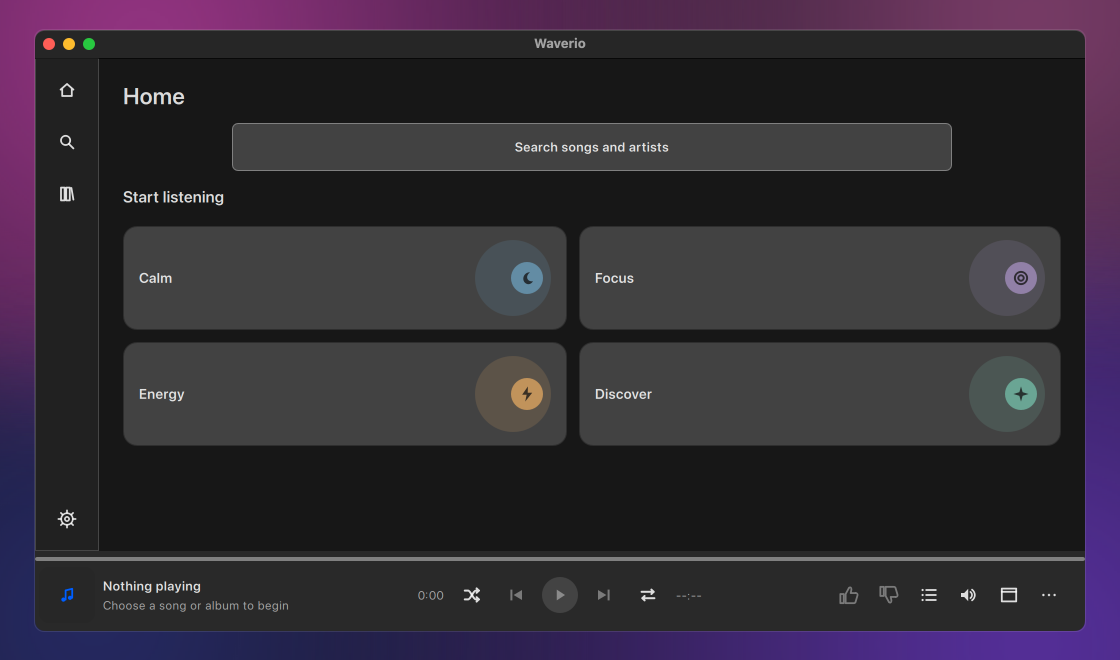
MediaHuman Waverio is a free YouTube Music desktop app for Mac and Windows. It runs in its own window, so your music is no longer one more browser tab you might close by accident. Find an album, start radio from a song you love and let it play while you work. Your queue, likes and playlists are kept right on your computer.


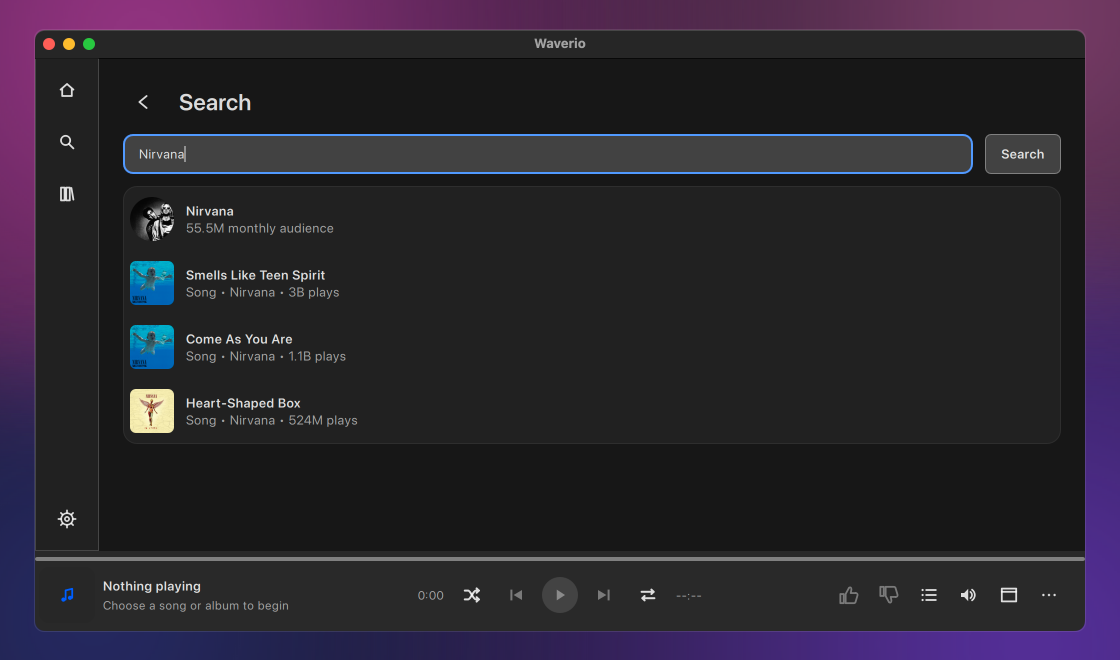
Start typing a song, an artist or a few words you remember, and suggestions appear before you finish. Open an album and play it from the first track, or paste a playlist link someone sent you and go straight to it.
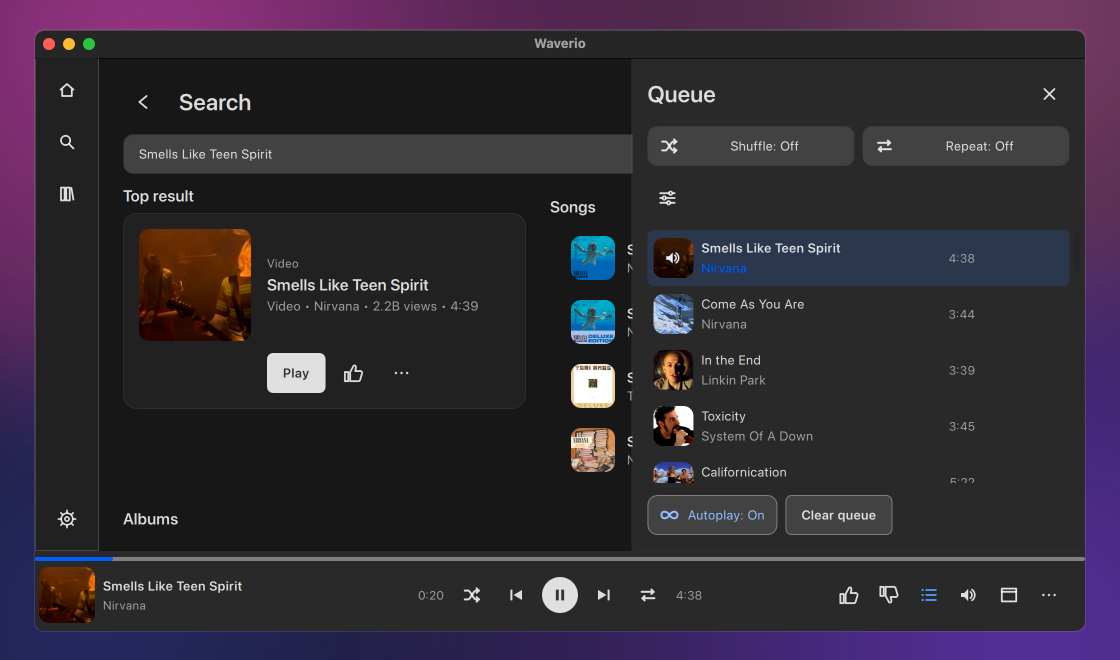
Start radio from any song and Waverio keeps playing music in the same spirit for as long as you listen. Autoplay does the same after a single track or a mix, so the music doesn't stop when the song ends. For some stations, Tune radio in the queue lets you steer the music in a different direction.
Play a song right away, use Play next to hear it after the current one, or add it to the end of the queue for later. Shuffle when you want a surprise, or repeat one track as many times as you like.
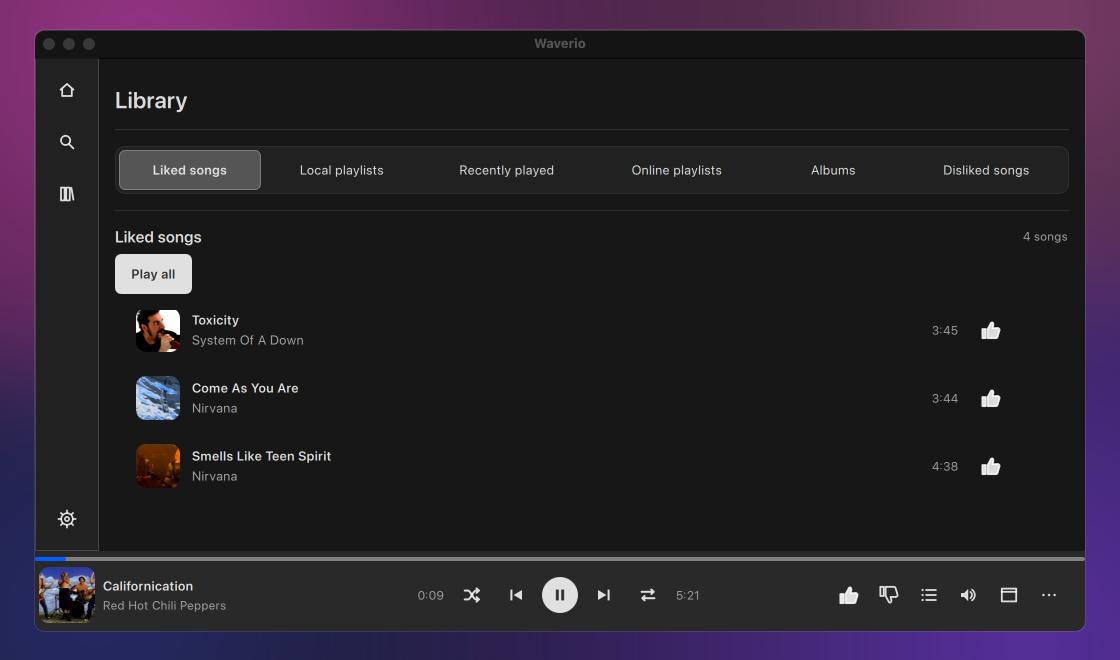
Like a song and it lands in Liked songs. Dislike one and radio won't play it again. Save an album or a playlist in one click, make your own playlists, and find yesterday's music under Recently played. All of it is kept on your own computer.
You don't need an account to search and listen. Sign in with your YouTube account and Home fills up with your own mixes and recommendations, and your likes can go to YouTube too. Prefer to keep them to yourself? Turn that off and they stay on this computer.
When you need the screen for work, shrink Waverio to a small window with the cover and the controls, and keep it on top of other windows. Close the main window and the music plays on. On a Mac, the current track is also one click away in the menu bar and the Dock.
Close Waverio halfway through an album and open it tomorrow: it's on the same track, at the same second, paused until you press Play. If your connection drops for a minute, the song waits and carries on by itself when you're back online.
Pause or skip a track without switching windows: the media keys on your keyboard work even while Waverio is in the background. Likes, the queue and the Mini Player have shortcuts too, all listed in the Help menu.
Waverio comes in many languages and switches between light and dark along with your system. If the text feels small, make it bigger, up to twice the normal size.
 French
 German
 Italian
 Spanish
 Russian
 Turkish
 Portuguese
 Japanese
 Dutch
Dutch Polish
 Korean
 Chinese (Simplified)
 Chinese (Traditional)


