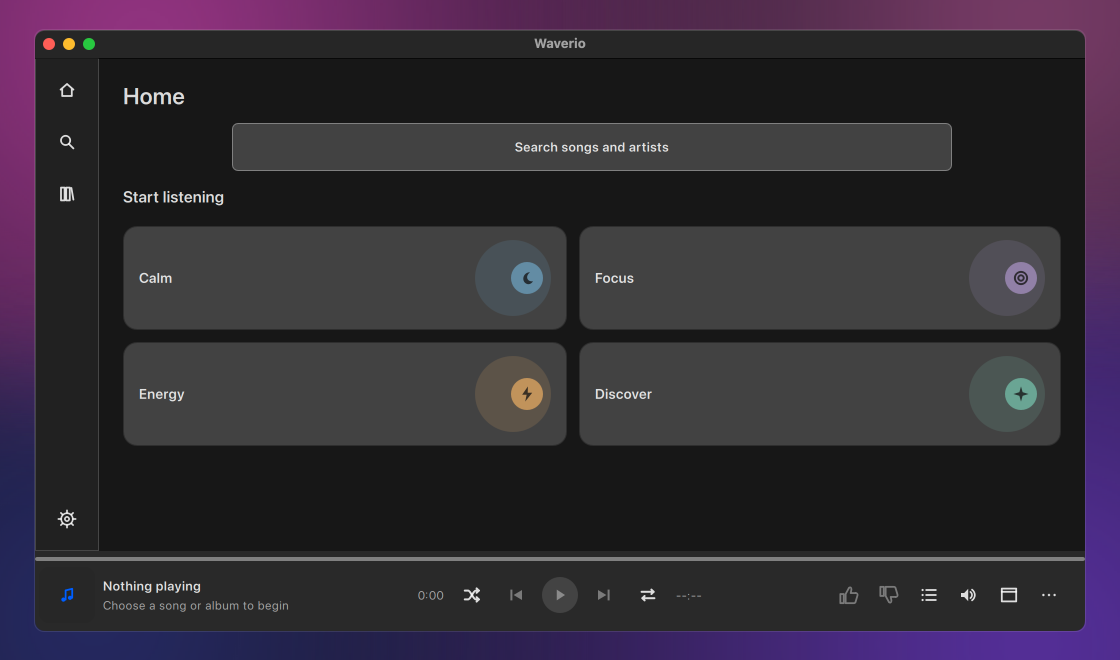
MediaHuman Waverio is a free desktop player for YouTube Music on macOS and Windows. Search the catalogue, play an album or a playlist, or start radio from a song you like, without keeping a browser tab open. Your queue, likes and saved music are stored on this computer.
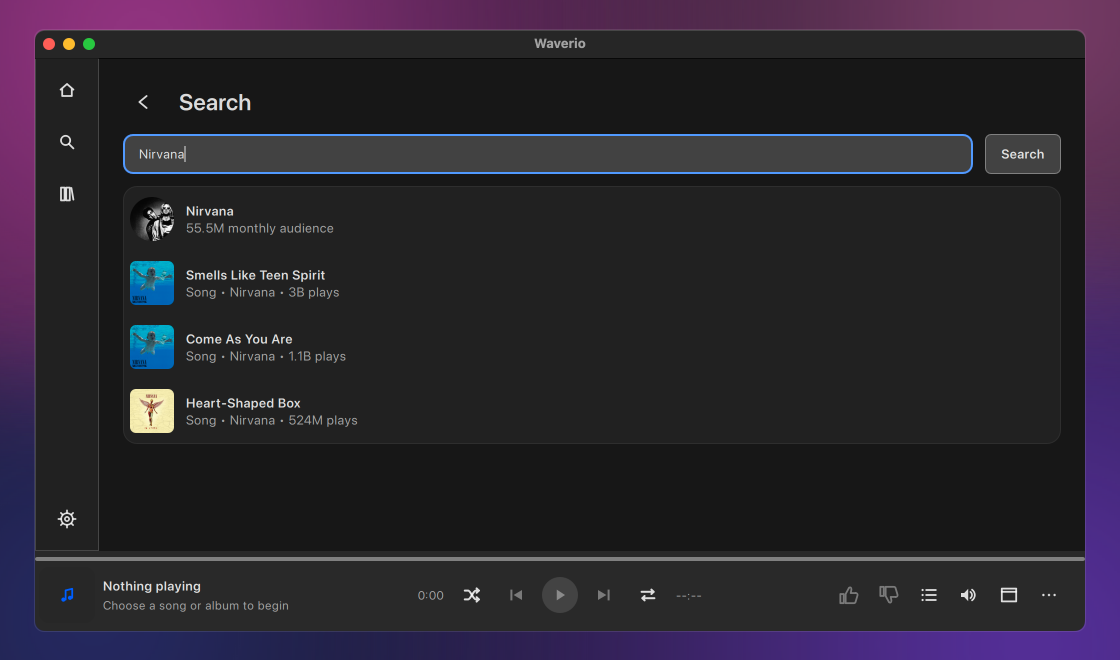
Type a title, an artist or a few words, and Waverio shows songs, videos, albums, artists and playlists, with suggestions as you type. Open an album or an artist and play from the first track, or paste a playlist or album link to go straight to it.
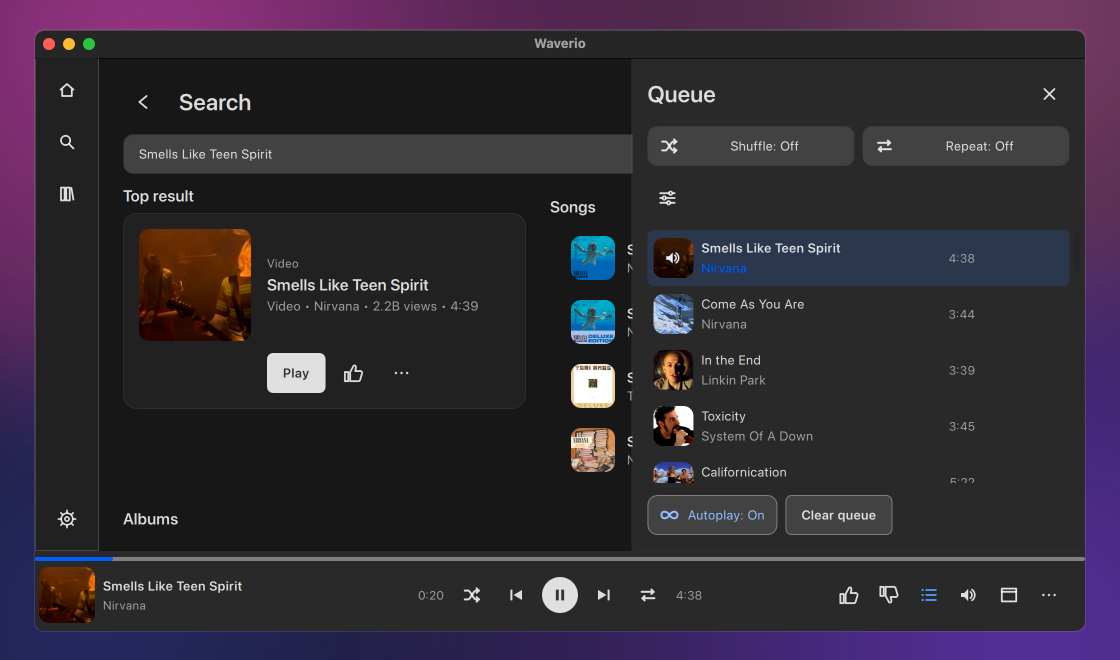
Start radio from a track, album, artist, playlist or mix, and narrow it with the station's tuning choices when it offers them. Autoplay continues with similar music after a single track, a mix or a station. Albums and playlists stop at their last track.
Play a track now, put it next or add it to the end of the queue. Remove what you no longer want, shuffle, and repeat the whole queue or one track.
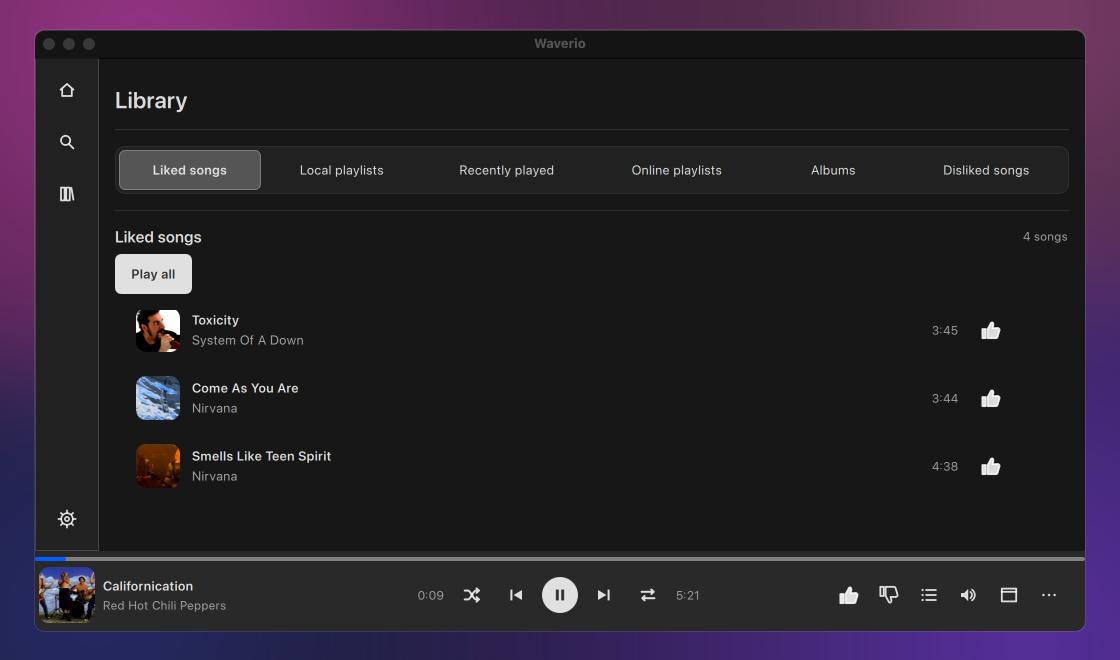
Like a song and it goes to Liked songs; dislike one and it goes to its own list and stays out of radio. Make local playlists, save albums and online playlists in one click, and find what you played under Recently played. All of it lives on your own disk.
You can search and listen without an account. Sign in with your YouTube account to see your own mixes and shelves on Home, and send your likes and dislikes to YouTube if you want. Turn that option off and ratings stay on this computer only.
Switch to a small window with the artwork, the timeline and the controls, and keep it above other windows. Close the main window and the music keeps playing. On macOS the menu bar item and the Dock menu show the current track and its controls.
Close the app in the middle of an album and open it tomorrow: the queue, the track, its position, shuffle and repeat are back, paused and ready to resume. Waverio never starts playing by itself after launch. If the connection drops, the track waits at its position and continues on its own when the connection is back.
Playback, likes, the queue, Now Playing and the switch to the Mini Player all have shortcuts, listed in one window in the Help menu. The media keys on your keyboard work while Waverio is in the background.
Waverio is translated into many languages and follows the system's light or dark appearance. The text comes in six sizes, from 100 to 200 percent.