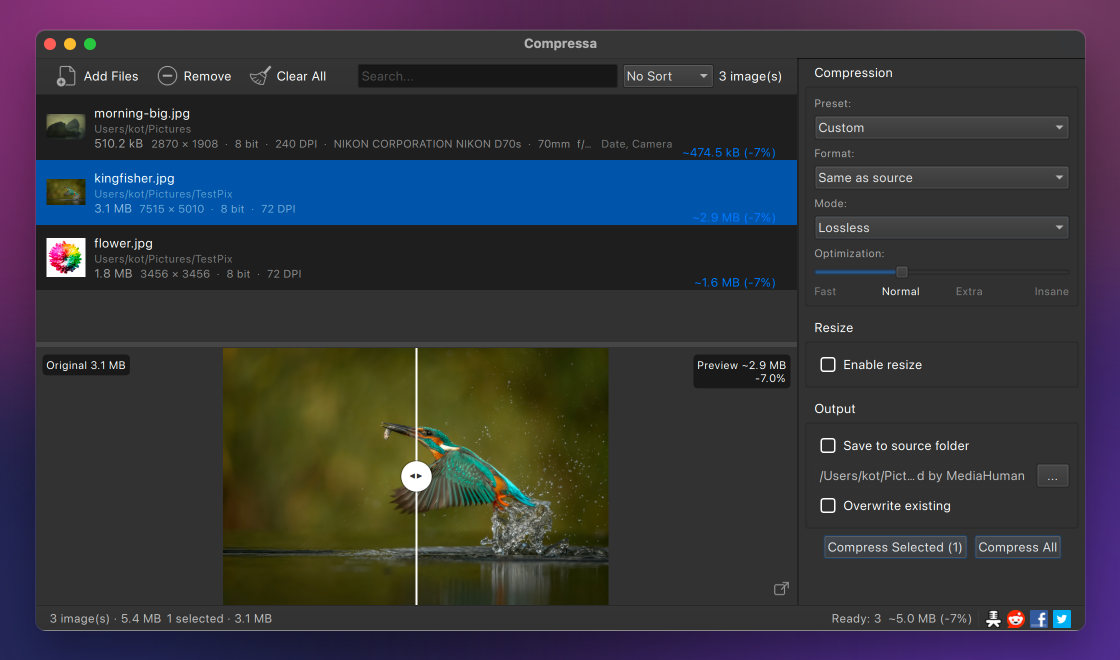
MediaHuman Compressa is a batch image compressor for macOS and Windows. It reduces the size of JPEG, PNG, WebP, HEIC and AVIF files, whether a single photo or a whole folder, through five compression modes, and keeps every result visually indistinguishable from the original.


Drag in hundreds of photos or a whole folder, choose a mode, and Compressa works through the set in one pass. Smaller files are handled first, so results start appearing right away.
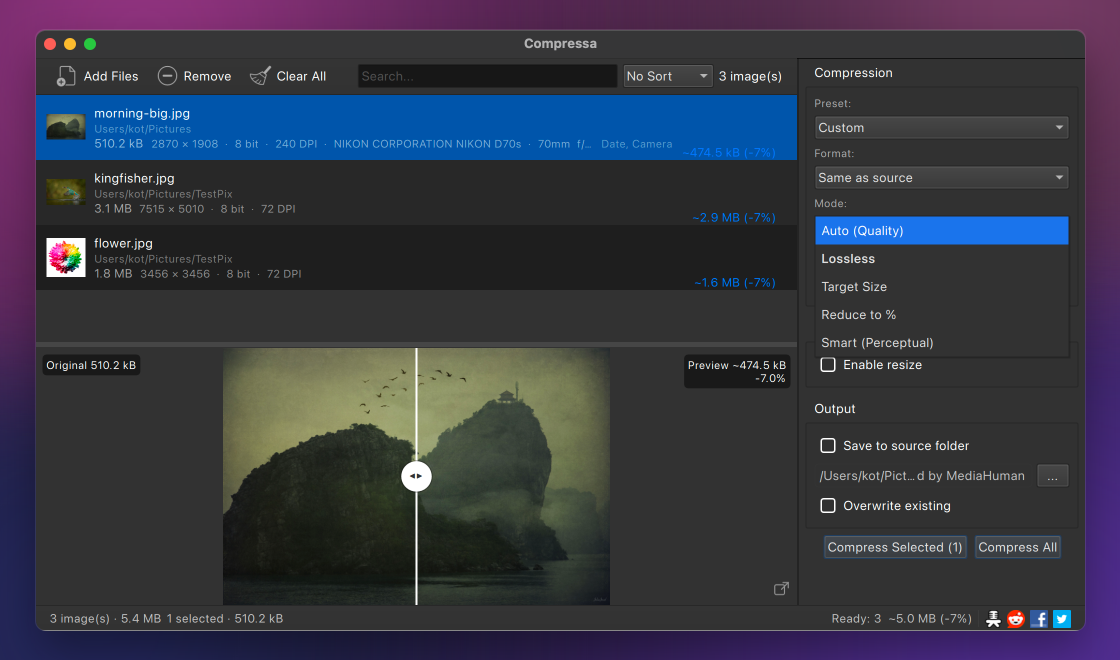
Auto for a simple quality slider, Target File Size to hit an exact KB or MB, Reduce to % for a share of the original, Lossless to re-pack without changing a pixel, or Smart to find the smallest size that still looks the same.
Smart compression compares each result to the source with an SSIM measurement and stops the moment the difference would be invisible. Photos get a JPEG or WebP quality search; flat graphics get a palette that looks identical.
Read and write JPEG, PNG, WebP, HEIC and AVIF, and open BMP, GIF, TIFF, ICO and SVG for conversion. Keep a file in its format and just shrink it, or convert an aging JPEG to WebP or HEIC to save even more.
A split view with a draggable divider shows exactly what the compression does, next to the estimated output size, so you judge the trade-off before anything is written to disk.
Scale by width, height, the long or short side, or a percentage while you compress. Images are only ever made smaller, never enlarged.
Web, Email, Social, Archive and Lossless presets set the format, mode and resizing in a single click. Save your own combination as a custom preset for work you repeat.
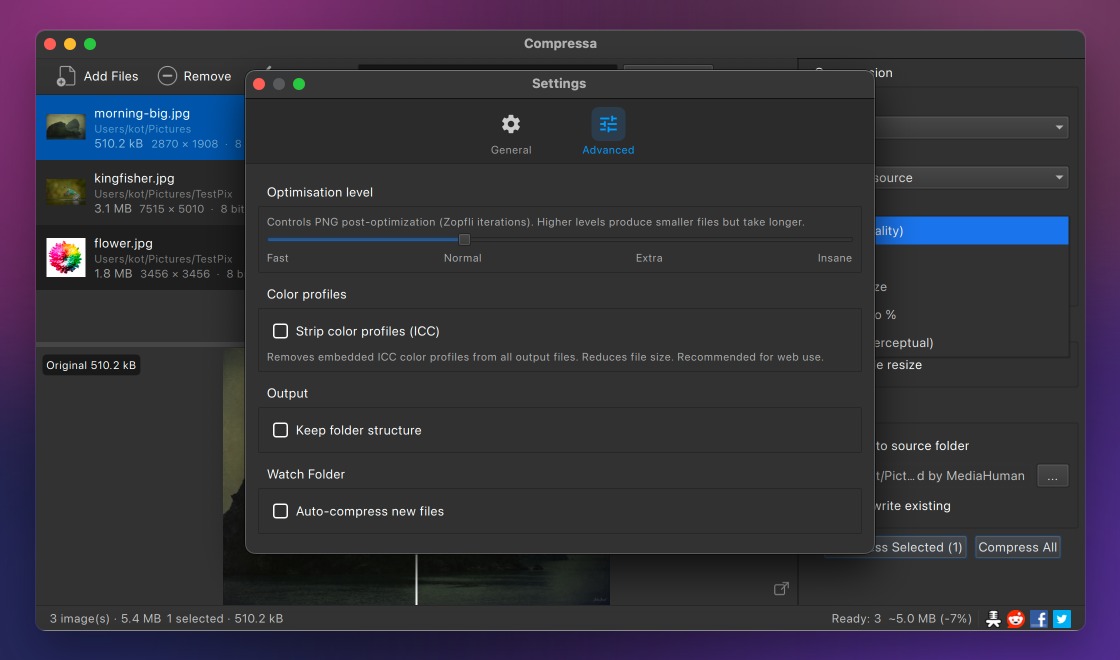
Assign a folder and Compressa optimizes new images automatically as they arrive, so a screenshots directory or an incoming network share stays optimized without you opening the app.
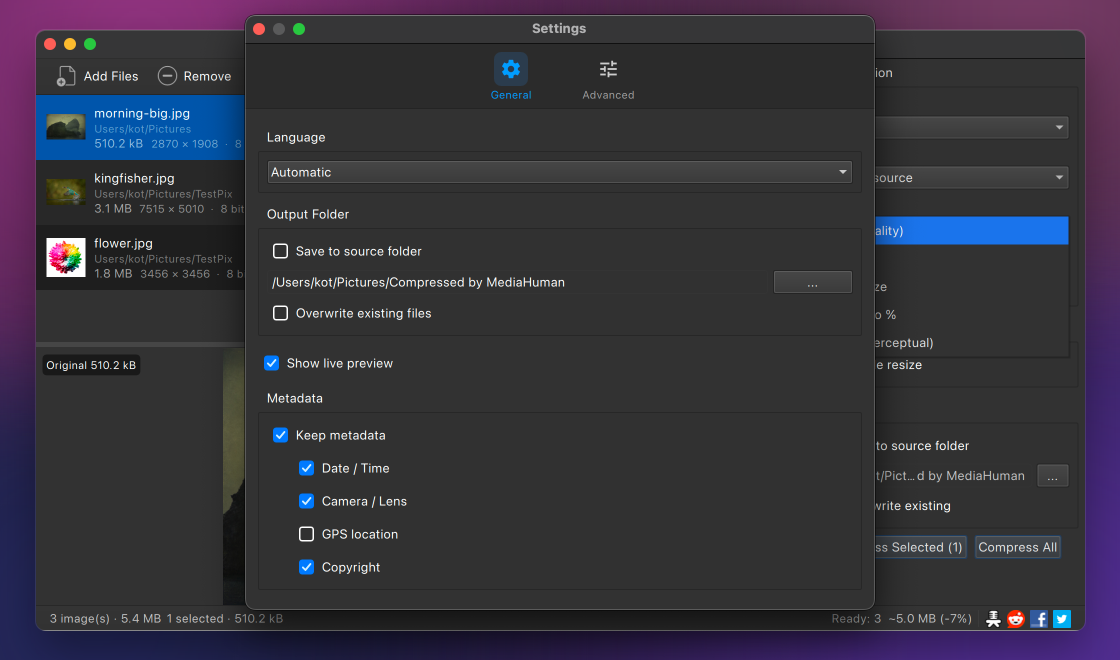
Keep or drop EXIF date, camera, GPS and copyright tags separately, and strip ICC color profiles for the leanest file. Every source is backed up before it is replaced, and the output is never larger than the original.
 French
 German
 Italian
 Spanish
 Russian
 Turkish
 Portuguese
 Japanese
 Dutch
Dutch Polish
 Korean
 Chinese (Simplified)
 Chinese (Traditional)


